

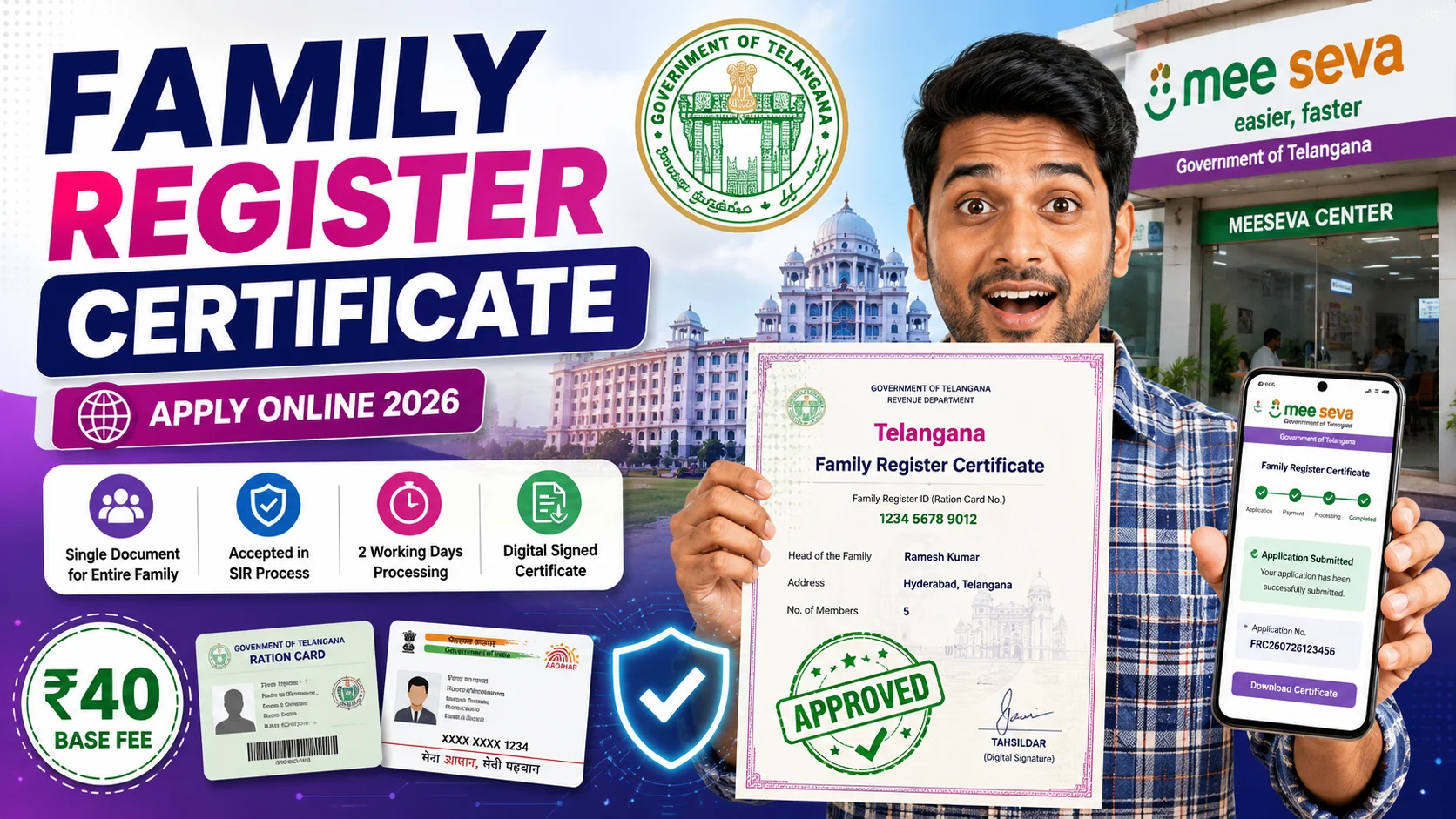
The Telangana Family Register Certificate (FRC) is a new government document that’s suddenly everywhere in the state right now — and for good reason. It’s a single, authenticated record of your entire family that you can use across multiple government services instead of arranging separate proofs each time. This guide covers what it is, who needs it, the actual fee (including a payment glitch we ran into ourselves), and a complete step-by-step process to apply online via MeeSeva.
What Is the Telangana Family Register Certificate?
The Telangana government created a state-wide electronic “Telangana Family Register” through Government Order GO Ms. No. 172 (Revenue Department), dated 25 July 2026. Based on this register, a new MeeSeva service called the Family Register Certificate was introduced.
The certificate is a single document containing:
- Family Register Identification Number (same as your ration card number)
- Name of the head of the family
- Names of all family members and their relationship to the head
- Age, date of birth, and gender of each member
- Aadhaar number of each family member
- Family address
It is digitally signed by the Tahsildar, making it an officially authenticated family record.
Why Was It Introduced? (Purpose & Benefits)
The single biggest reason behind this launch is the ongoing Special Intensive Revision (SIR) of electoral rolls in Telangana, which began on 25 June 2026. The Family Register Certificate is one of the 12 documents officially accepted under the SIR process, and the government fast-tracked its rollout specifically so citizens would have a ready, authenticated family document to produce if they receive an SIR notice.
Beyond SIR, the certificate is also meant to help more broadly with:
- Standardizing family verification — one document instead of multiple certificates for different departments.
- Faster access to welfare schemes — a ready reference for schemes that require proof of family composition.
- Reducing dependency on local officials for repeated verification of family details.
Important limitation to know: the FRC is only a record of family composition. According to the government order, it does not confer any right, title, or property interest, cannot be used as proof of legal heirship, and does not by itself make someone eligible for any welfare scheme — it simply serves as a supporting document.
Note: The introduction of the FRC has also drawn some political debate at the state level, with different parties expressing differing views on its rollout timing alongside the SIR process. This guide focuses purely on the practical process of applying — always refer to official government sources for policy-related questions.
Who Can Apply?
The Family Register Certificate covers your entire family in one document — it isn’t issued separately for each individual. Any family member listed in the register can submit the application on behalf of the whole family.
Documents You’ll Need
- Ration Card number (used as the Family Register ID)
- Aadhaar number
- A working mobile number (for OTP and updates)
- Basic address details (state, district, pin code)
Fee & Processing Time
This is where you’ll see some conflicting numbers online — here’s what we found and confirmed through an actual application:
- Some official reports list the service charge as ₹62.
- Local authorities in at least one constituency have publicly clarified the fee should be ₹40, and warned MeeSeva/eSeva centres against overcharging citizens.
- In our own application through the MeeSeva online portal, the base fee shown was ₹40, but paying via the card/payment gateway route added a small convenience charge, bringing the total to ₹42.36.
Our practical tip: if the fee shown at your end differs slightly from what’s reported elsewhere, it’s likely due to payment gateway charges being added on top of the base ₹40 government fee — not necessarily overcharging. If a MeeSeva centre asks for significantly more than this, you can raise it with your local MRO office.
Processing time: The government order fixes a 2 working day delivery timeline. In practice, some applicants have reported delays due to high application volumes since launch — so apply a few days before you actually need the certificate.
How to Apply Online via MeeSeva (Step-by-Step)
- Visit the official MeeSeva portal: meeseva.telangana.gov.in
- New users: Click “New User” on the login section and complete the registration form — enter your desired login ID (mobile number), password, contact details, full name, address, country, state, district, and pin code. You’ll receive an OTP on your registered mobile number to verify.
- Log in with your registered mobile number/login ID and password.
- Use the search bar and type “Telangana Family Register Certificate” (or navigate via Revenue Department services), then select it from the results.
- Enter your Ration Card number or Aadhaar number — the system automatically fetches your family details from the Civil Supplies database, so you don’t need to type in every member’s details manually.
- Review and fill in the remaining fields — head of family name, mobile number, district, and address — and confirm the auto-fetched family member details are correct.
- Proceed to payment. At the time of writing, the QR/barcode on the payment page shows “invalid” when scanned. If you see the same thing:
- Simply click the Debit Card payment option instead.
- This opens the Paytm payment gateway, where you’ll find a UPI option — you can pay easily through that.
- Expect a small gateway convenience charge on top of the base fee (our total came to ₹42.36 against a ₹40 base fee).
- Submit the application — note down your application/reference number for tracking.
- Download your certificate by logging back into your MeeSeva account after the processing period (typically within 2 working days, though allow extra time given current demand).
How to Apply Offline (via MeeSeva Centre)
If you’d rather not apply online, visit your nearest MeeSeva Centre with your Ration Card and Aadhaar details. The operator will process the application on your behalf for the same prescribed fee — make sure you’re not charged more than the official amount, and always ask for a receipt.
Frequently Asked Questions (FAQs)
Q1. What is the Telangana Family Register Certificate used for? It serves as a single authenticated record of your family composition, useful for accessing various government services and welfare schemes, and is also accepted as a document under the ongoing Special Intensive Revision (SIR) of electoral rolls.
Q2. What is the fee for the Family Register Certificate? Reports vary between ₹40 and ₹62 depending on the source; in practice, expect a base fee plus a small payment gateway charge if paying online (our total was ₹42.36).
Q3. How long does it take to get the certificate? The official timeline is 2 working days from the date of application, though processing may take longer currently due to high demand.
Q4. Can I apply without a ration card? The Family Register Identification Number is based on your ration card number, so you’ll need your ration card details to apply.
Q5. Is the Family Register Certificate proof of property or inheritance rights? No. It is strictly a record of family composition and does not confer any property rights or serve as proof of legal heirship.
Q6. What do I do if the payment QR code shows invalid on MeeSeva? Click the Debit Card option instead — it opens the Paytm payment gateway, where you can pay easily via UPI.
Final Thoughts
The Telangana Family Register Certificate is a useful one-time document worth getting sooner rather than later, especially with it being one of the accepted documents for the ongoing SIR process. Apply through the MeeSeva portal using the steps above, and if the payment QR shows invalid like it did for us, just switch to the Debit Card → UPI route to get it done without hassle.
Found this useful? Share it with family or neighbours who are trying to apply — the payment workaround alone can save people a lot of frustration.
Disclaimer: This article is for informational purposes only and is not an official publication of the Telangana Government or MeeSeva. Fee amounts, processing times, and portal behaviour may change — always cross-verify current details on the official MeeSeva website, meeseva.telangana.gov.in, before applying.